Go to the NMI Nurse Portal at https://nmibon.boardsofnursing.org/nmi
Click Create an Account.

After reading and agreeing to the NMI Nurse Portal Terms & Conditions, click I Agree.

Select No as the appropriate response and click Continue.

Enter and confirm the Email address of your NMI Nurse Portal account. Complete the Security check. Click Continue.
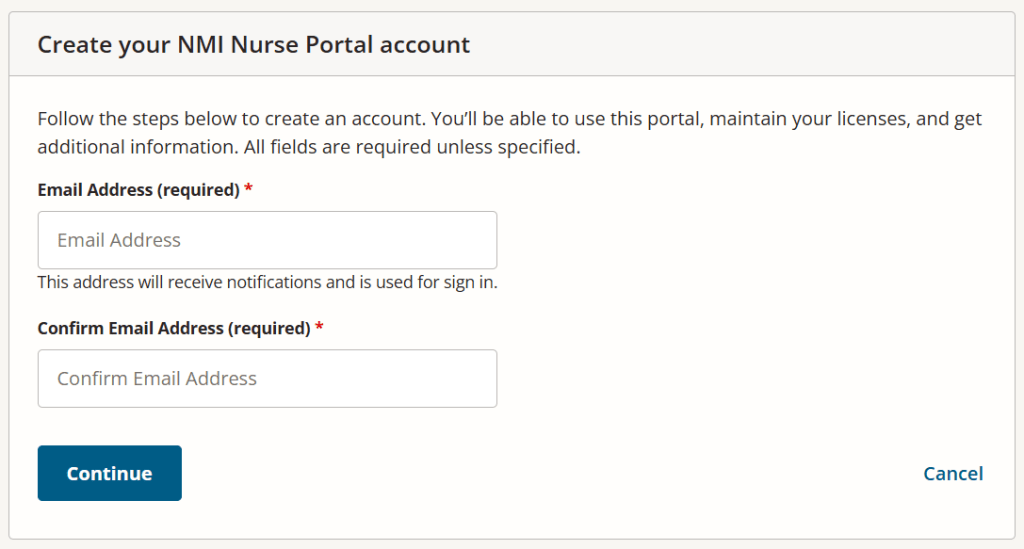
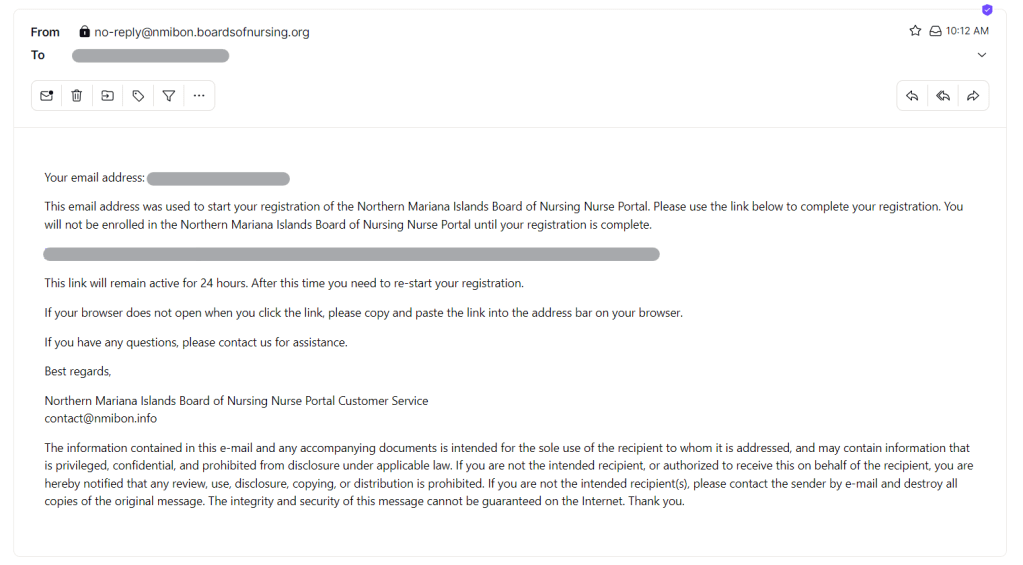
A confirmation email message will be sent to the email address you provided for your NMI Nurse Portal Account. Should you have not received the email confirmation message, you may click on Resend Verification Email to resend the confirmation email message.

A sample of the confirmation email message appears below. Applicants may use the link below to verify their email address and complete the registration process.
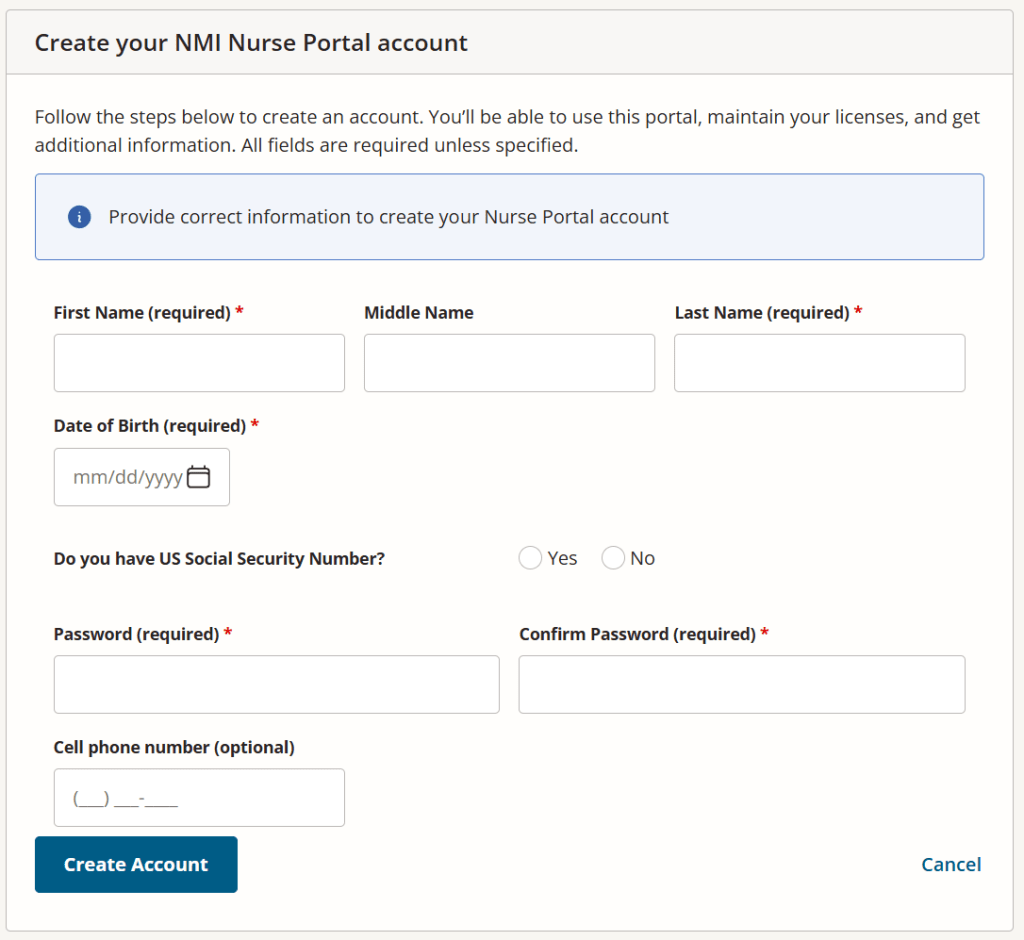
Enter your First Name, Last Name, and Date of Birth. Select the appropriate response for Do you have US Social Security Number. Enter and confirm your Password to your NMI Nurse Portal Account. Note that entering your Cell phone number is optional. Click Create Account.
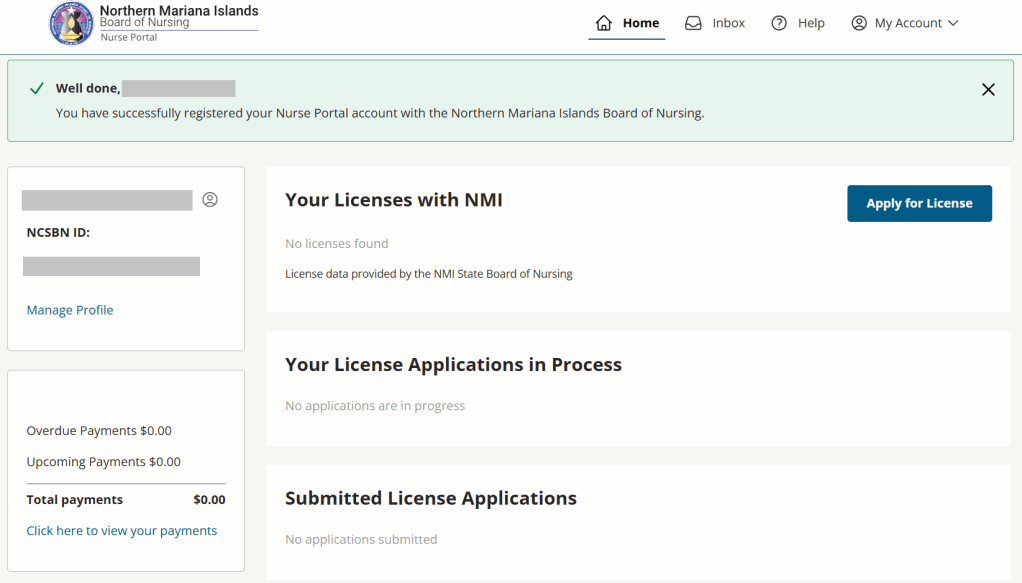
Upon confirming your registration, you will be redirected to your Nurse Portal account with the Northern Mariana Islands Board of Nursing.
 NMI Board of Nursing