Go to the Online Payment Portal for the NMI Board of Nursing at: NMI Board of Nursing – Official PayCNMI .
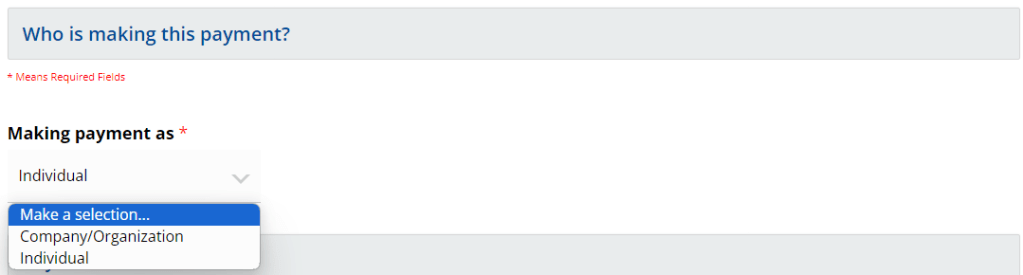
Make a selection for ‘Who is making this payment?’
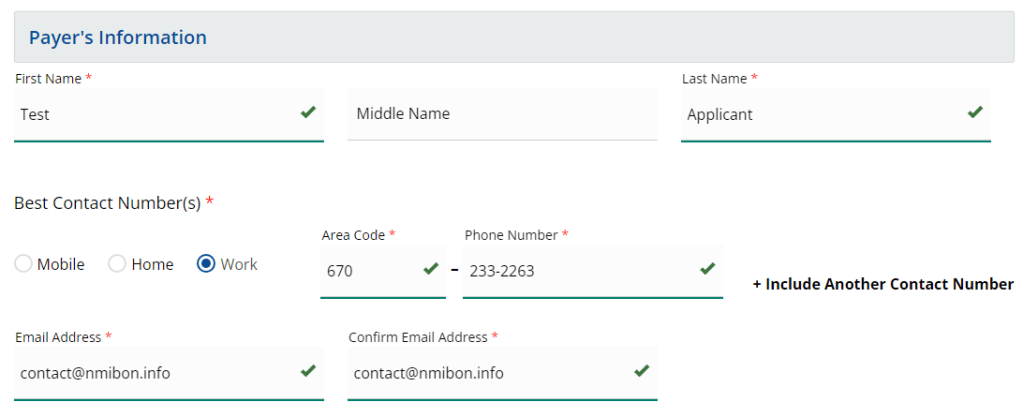
Complete the fields for the Payer’s Information
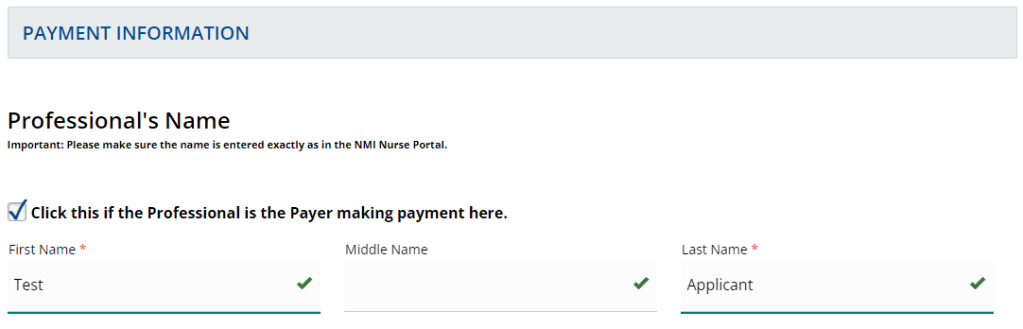
Complete the fields for the Professional’s Name. Note that the Professional’s Name must be entered exactly as shown in the NMI Nurse Portal.
Choose the item(s) for which you are making payment:

After selecting the item(s) for payment, click Submit…Continue to Next Step

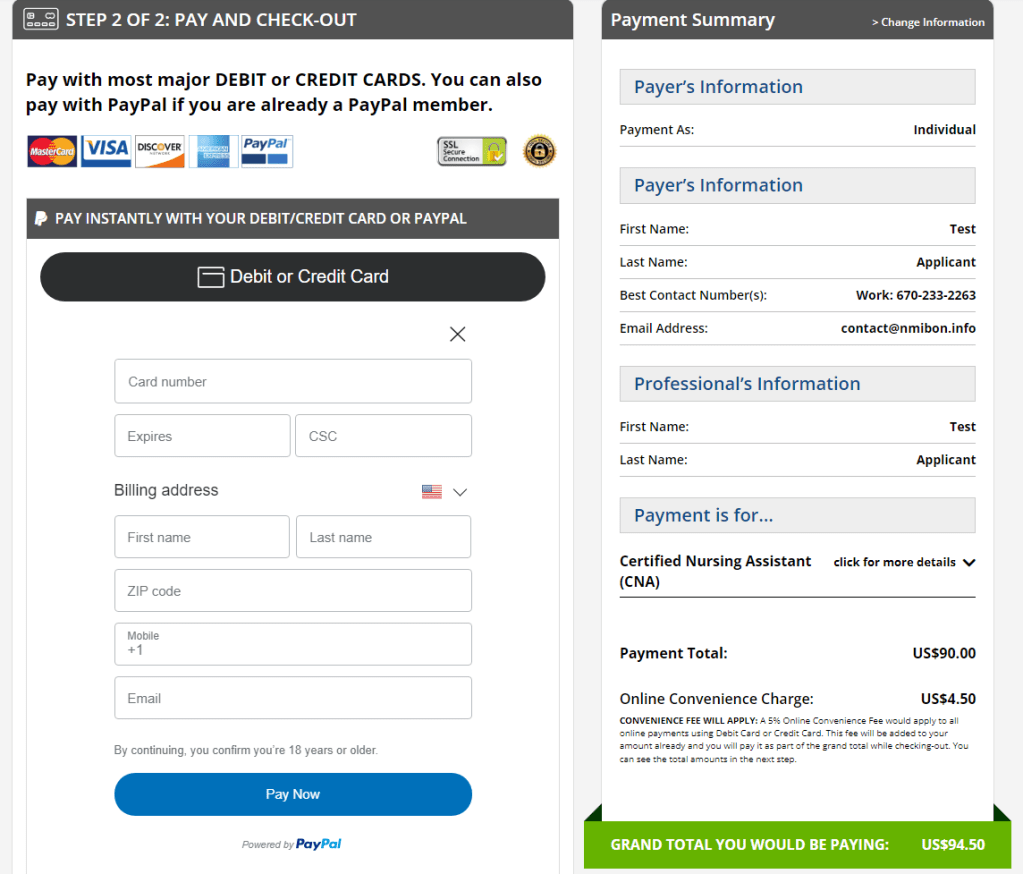
Payers can Pay and Check-Out with their Debit/Credit Card or PayPal. Shown on the right is the Payment Summary.
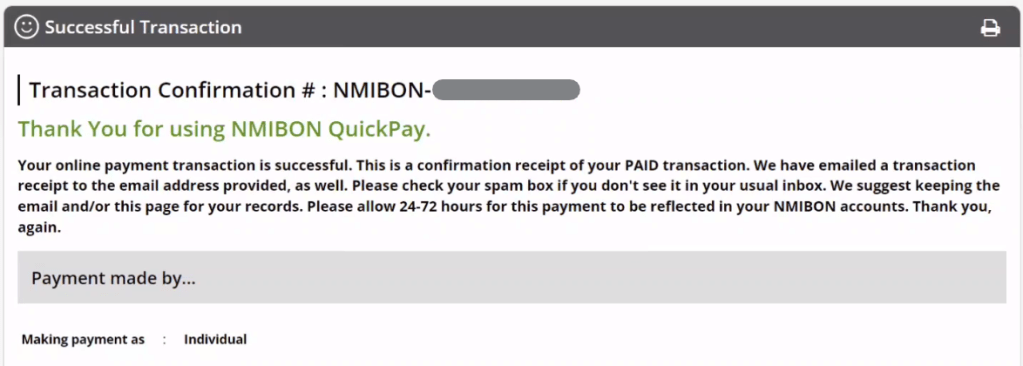
Upon Successful Transaction, payers will receive their Transaction Confirmation # as confirmation receipt of their PAID transaction.
 NMI Board of Nursing